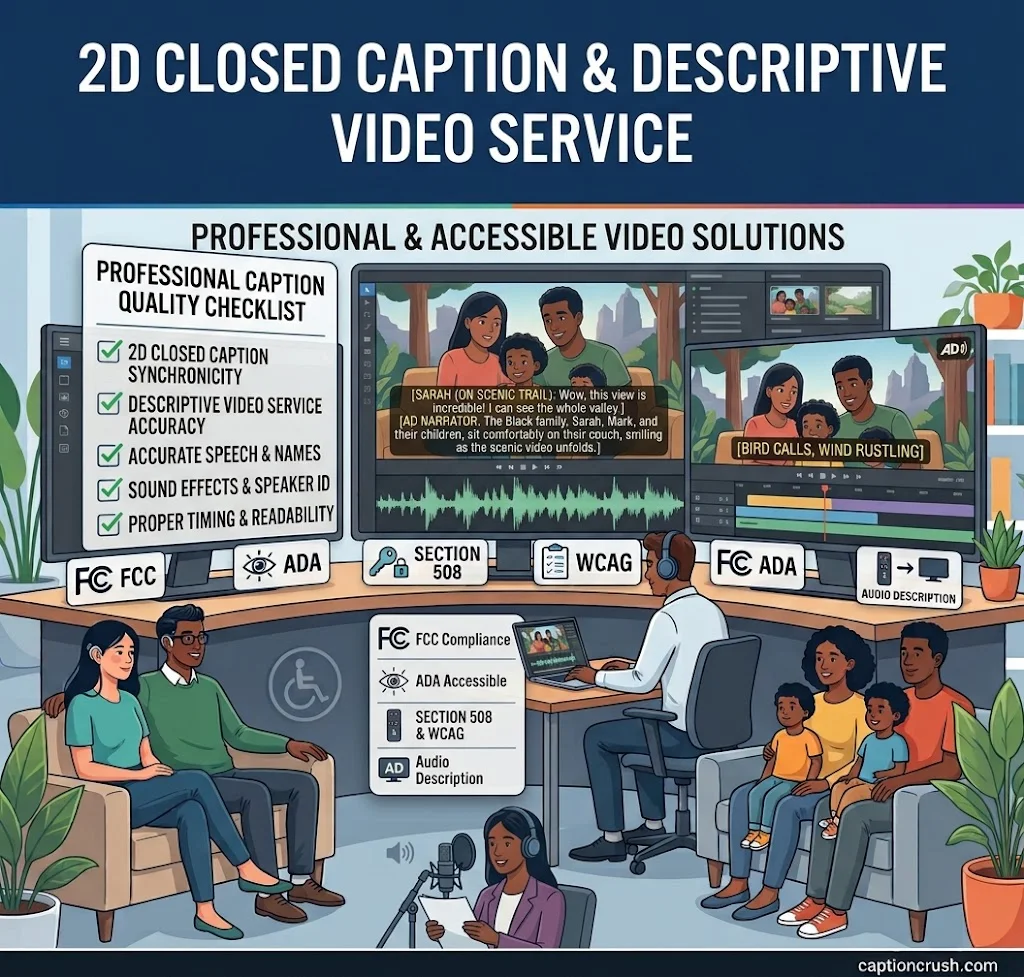
A video is only useful if everyone can follow it. 2D closed caption descriptive video service helps people who can’t hear the audio and people who can’t see the screen.
This guide explains how it works, what US rules apply, and how to pick a provider.
Table of Contents
What Is 2D Closed Caption Descriptive Video Service?
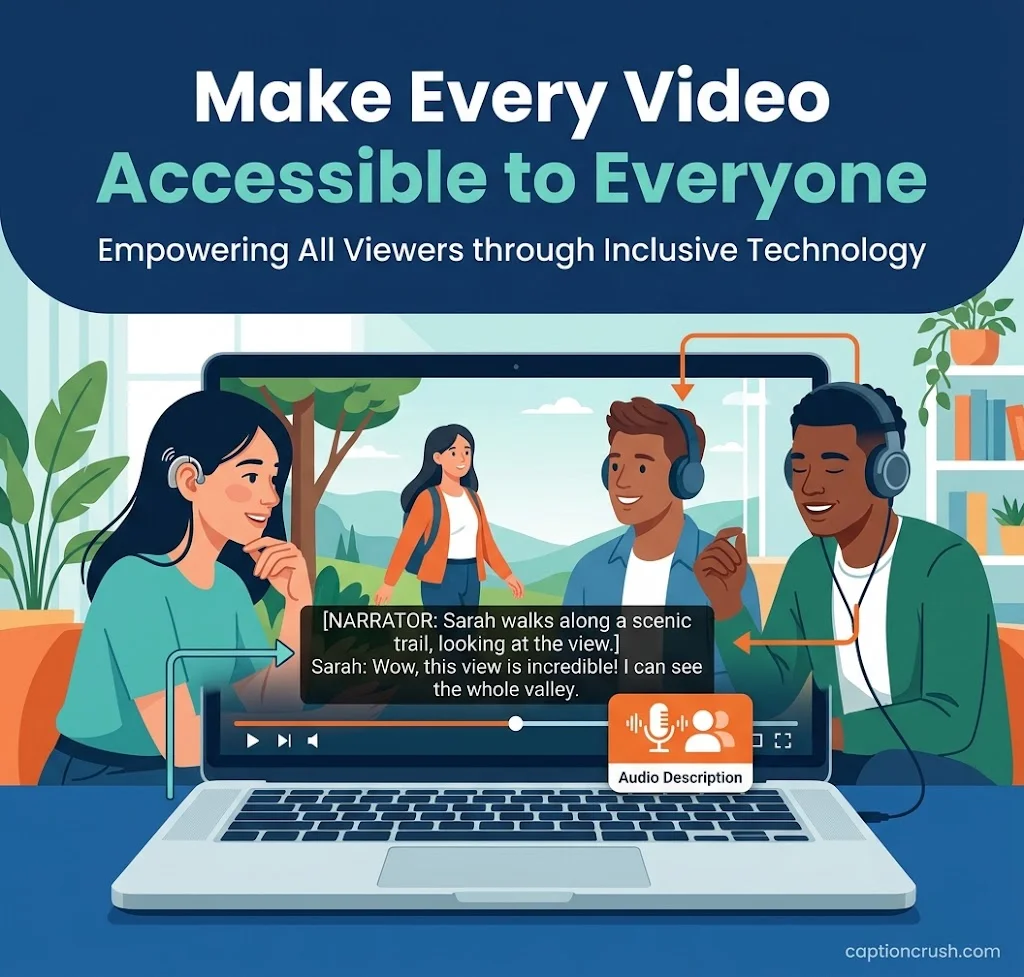
It combines two accessibility tools: on-screen text for sound, and spoken notes for visuals. Each one fills a gap the other can’t.
Closed captions are text that shows spoken words, speaker identification, sound effects, and music cues. Viewers can switch them on or off.
2D closed captions are standard, flat-screen captions made for regular video. Providers such as Acadecraft list them next to descriptive video. The “2D” label also separates them from captions placed in depth for 3D content. It is an industry term, not a legal one.
What is descriptive video service (DVS)? It is audio description. A narrator describes key visuals, like actions, scenes, and on-screen text, during pauses in dialogue. It helps blind and low-vision viewers.
Who needs it?
- Schools and colleges
- TV and streaming brands
- Corporate training teams
- Museums, tourism, and gaming companies
- Marketing teams and video producers
The need is large. About 15% of American adults (37.5 million) report some trouble hearing, according to the NIDCD.
A strong caption can make an accessible video even more engaging, especially when celebrating meaningful family moments. For ideas that pair perfectly with a child’s special milestone videos, explore these 1st birthday captions for cute and heartwarming Instagram posts.
Closed Captions vs. Descriptive Video Service: Key Differences
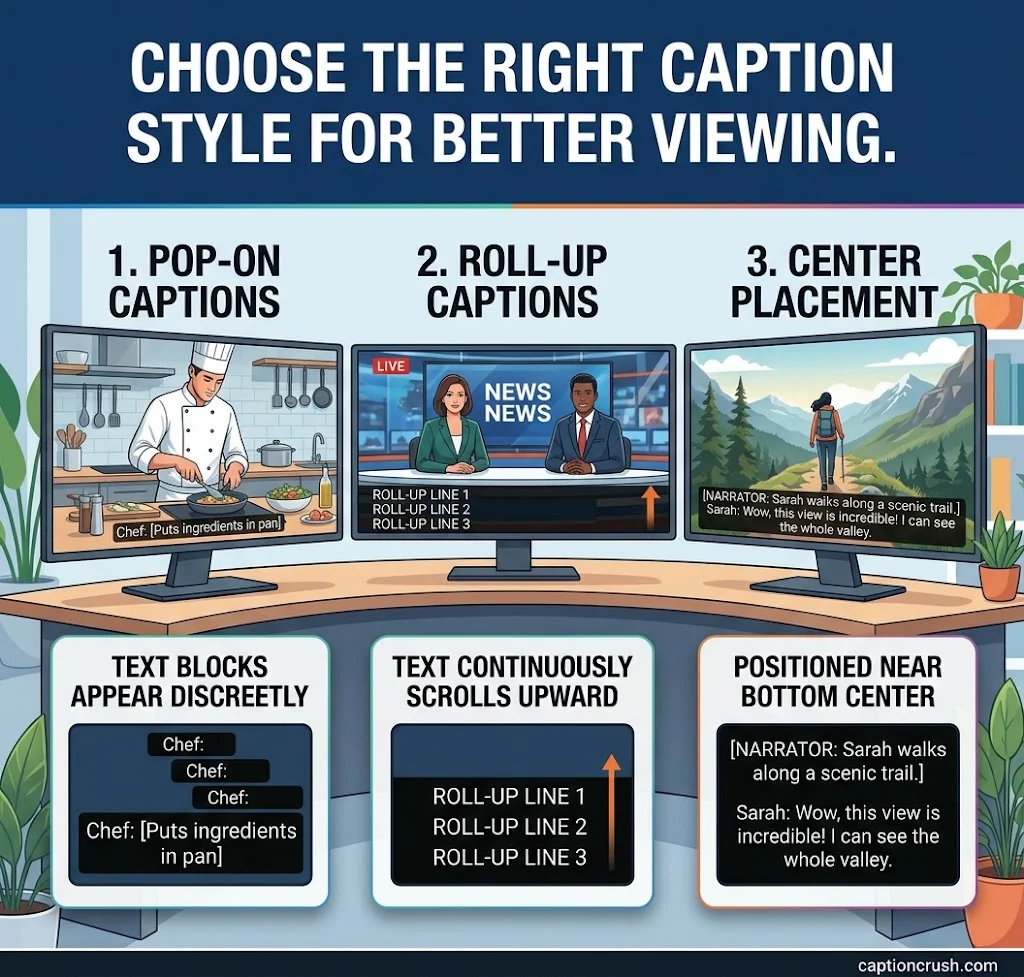
Captions turn sound into text. Descriptive video turns visuals into sound. Most accessible video needs both.
| Feature | Closed captions | Descriptive video service |
|---|---|---|
| Helps | Deaf and hard-of-hearing viewers | Blind and low-vision viewers |
| What it adds | Dialogue, sound effects, music cues | Actions, settings, on-screen text |
| Format | Text track (SRT, WebVTT, SCC) | Extra audio track or narration |
| Viewer control | On/off with a CC button | Chosen as an audio option |
What are the main caption styles?
- Pop-on: Text appears in blocks. It is common in TV and film.
- Roll-up: Text scrolls up. It is now rare in pre-recorded video.
- Center placement: One or two lines at bottom center. It is common online.
Human, AI, or hybrid captions? AI is fast and cheap. It can miss accents, names, and technical terms. Human review catches those errors. Hybrid captions pair human transcripts with AI timing, as Word Wizards offers.
Captions also help video SEO. Search engines can read a transcript, and viewers can watch with the sound off.
US Rules for Closed Captioning and Descriptive Video Service
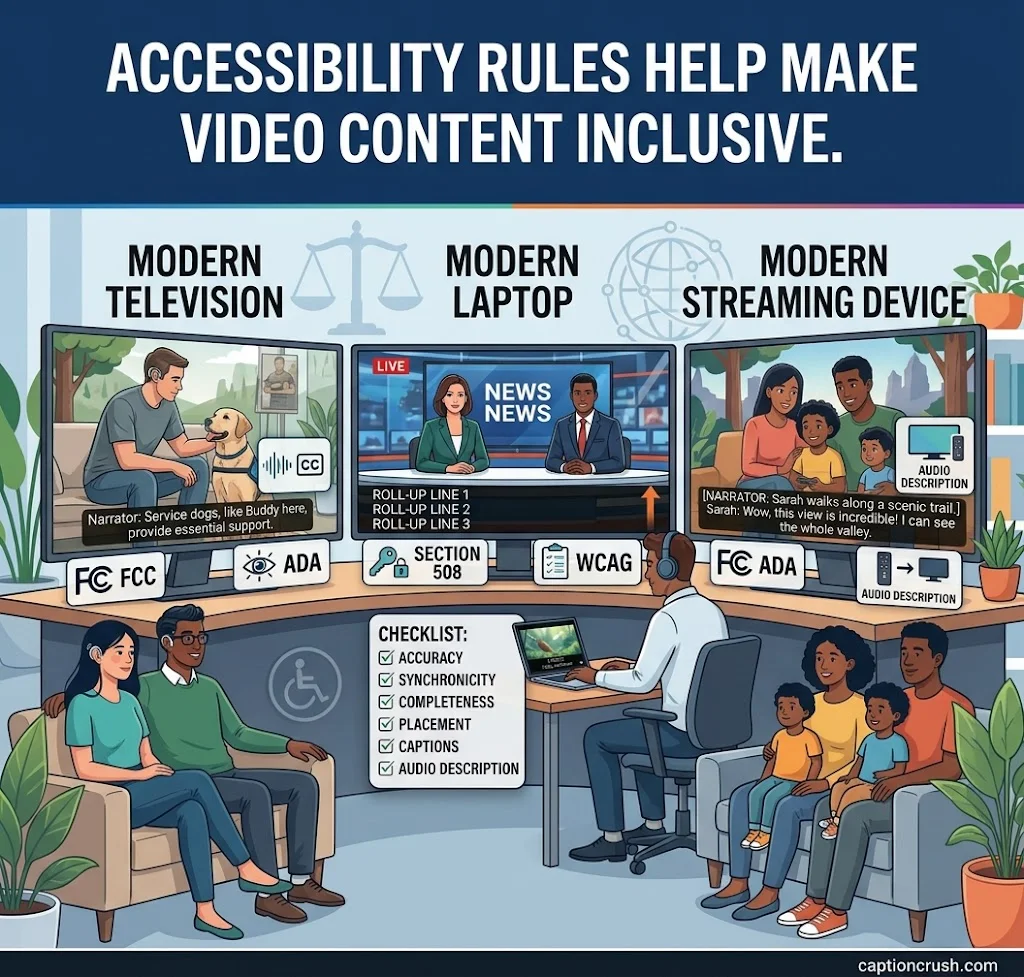
Several US rules cover captions and descriptions. Which one applies depends on who you are and where the video airs.
What does the FCC require? For TV, the FCC sets four caption quality rules: accuracy, synchronicity, completeness, and placement. Captions must match speech and run start to finish. They must not block key visuals.
What about audio description on TV? Local ABC, CBS, Fox, and NBC affiliates in covered markets must air 87.5 hours of described programming per quarter. As of January 1, 2026, the rule reaches the top 120 markets. The FCC adds 10 more markets each year through 2035.
What does the ADA require? In 2024, the DOJ named WCAG 2.1 Level AA as the standard for state and local government web content. That includes captions for live and pre-recorded video. In April 2026, the DOJ extended the compliance dates by one year, to April 26, 2027, for the first group. Private businesses face separate duties under Title III. Check with a lawyer for your case.
What do Section 508 and WCAG say? Section 508 covers federal agencies. WCAG asks for captions on pre-recorded video (1.2.2) and audio description (1.2.5 at Level AA).
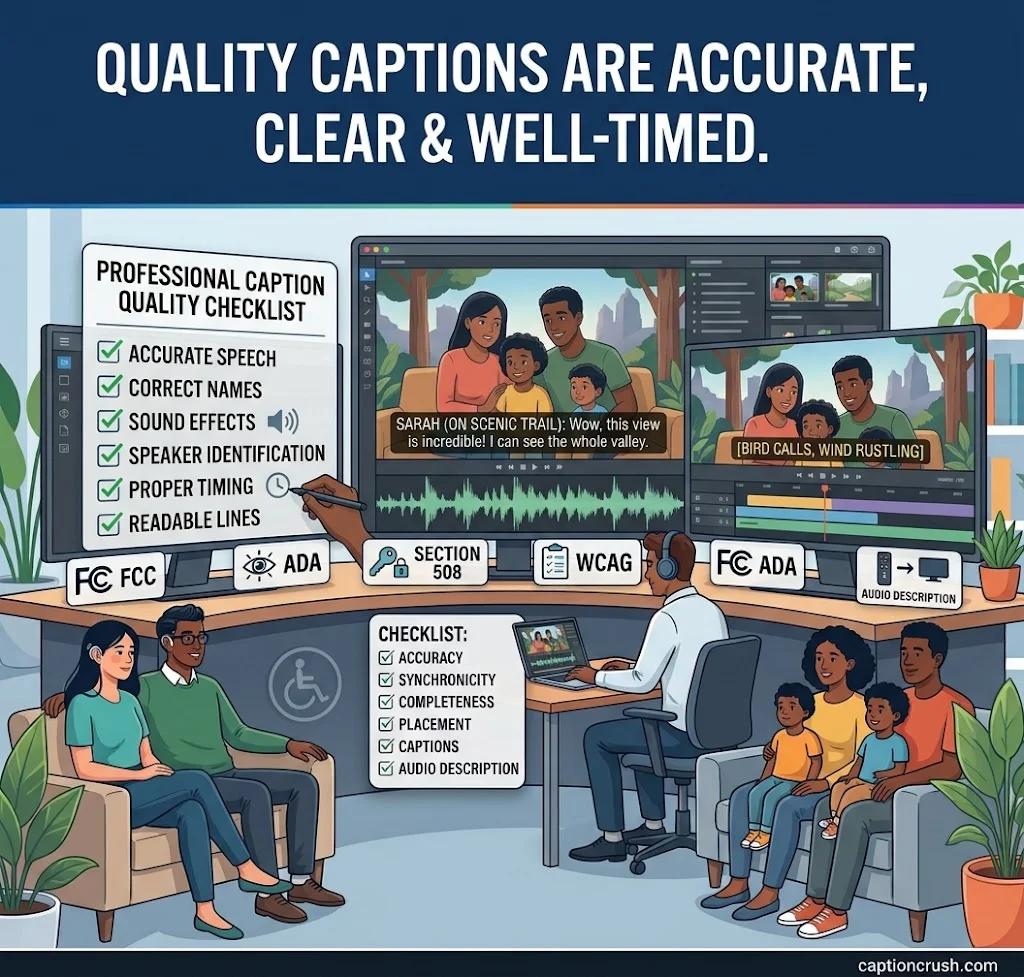
Quick quality checklist:
- Keep lines short, about 32 characters or less
- Show one to three lines for 3 to 6 seconds
- Name speakers when they’re off-screen
- Add cues like [music] and [laughter]
- Spell terms and names correctly
How to Choose Professional Captioning and Descriptive Video Services
Look at accuracy, speed, formats, and support before price. A cheap file that fails review costs more later.
How much does a provider charge? Rates on provider pages in 2026 vary:
- Rev: human captions from $1.99/min (99%+ accuracy, 12 hours or less), AI captions at $0.25/min
- Acadecraft: captions from $1.50/min
- CaptioningStar: about $2 to $5/min, with 12, 24, or 48-hour turnaround
- Capital Captions (UK): from £3.00 per video minute
Audio quality, language, speed, and add-ons change the price.
What else sets providers apart?
- Vicaps: in-house work and DCMP-evaluated quality
- Blend: localized dialog, open captions, and audio descriptions in 120+ languages
- Capital Captions: offline captions timed to 1/100th of a second
Buyer checklist:
- Ask for an accuracy guarantee and a QC review
- Check file formats and platform integrations (YouTube, Vimeo, Zoom)
- Confirm confidentiality and support hours
- Order captions and audio description together to save time
DIY or professional? Auto-captions work for casual clips. Choose professional service for public, legal, school, or broadcast video.
FAQs
How much does closed captioning cost?
AI captions start near $0.25 per minute. Human captions usually run about $1.50 to $5 per minute. Audio description is priced separately. Costs rise with rush orders, poor audio, and foreign languages.
What is CC1, CC2, CC3, CC4 closed captioned?
These are classic caption channels. CC1 carries the main language. CC3 often carries a second language, such as Spanish. CC2 and CC4 are rarely used.
What is the difference between 2D and open caption?
2D closed captions are standard flat-screen captions that viewers can turn on or off. Open captions are burned into the video. They always show and can’t be removed.
What are some free closed captioning services available?
YouTube auto-captions, Zoom, Google Meet, and Microsoft Teams offer free captions. Instagram and TikTok have auto-caption tools too. Always review them. Free tools often misspell names and terms.
Conclusion
2D closed caption descriptive video service helps every viewer follow your video. Captions serve people who can’t hear it. Descriptive video serves people who can’t see it. Together, they also support ADA, FCC, and WCAG goals, boost video SEO, and widen your audience.
Start small. Caption your top videos first, add audio description, and review the quality. Then ask a trusted captioning provider for a quote.

Timmy Abroy is a content creator and the voice behind CaptionCrush, where he shares practical tips on social media captions, creator growth, and content strategy. When he’s not writing, he’s testing what actually gets people to stop scrolling.