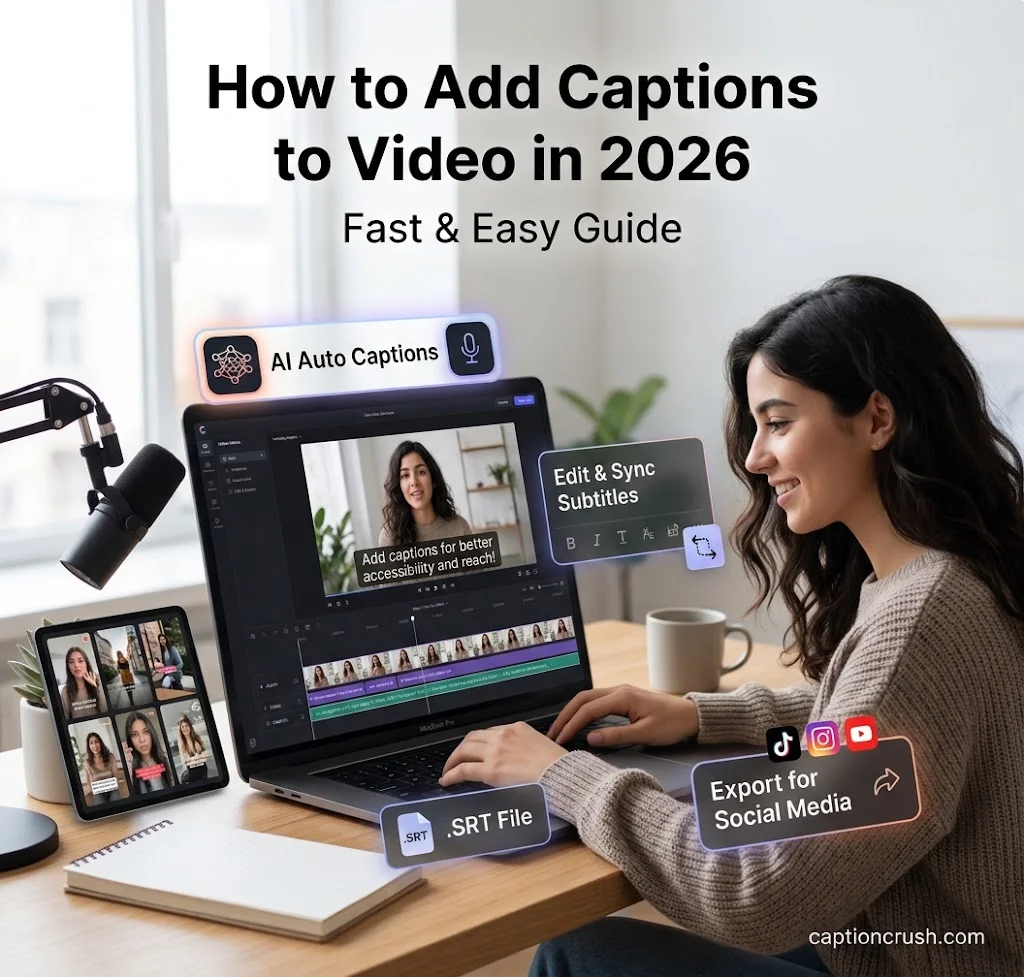
You can add captions to video in under five minutes. Upload the clip, let the auto caption generator write the text, fix any mistakes, and export.
This guide is for creators, marketers, teachers, and small business owners in the USA. You’ll learn the steps, the best free caption tools, how to avoid a watermark, and when to use open or closed captions.
Table of Contents
How to Add Captions to a Video in 3 Easy Steps
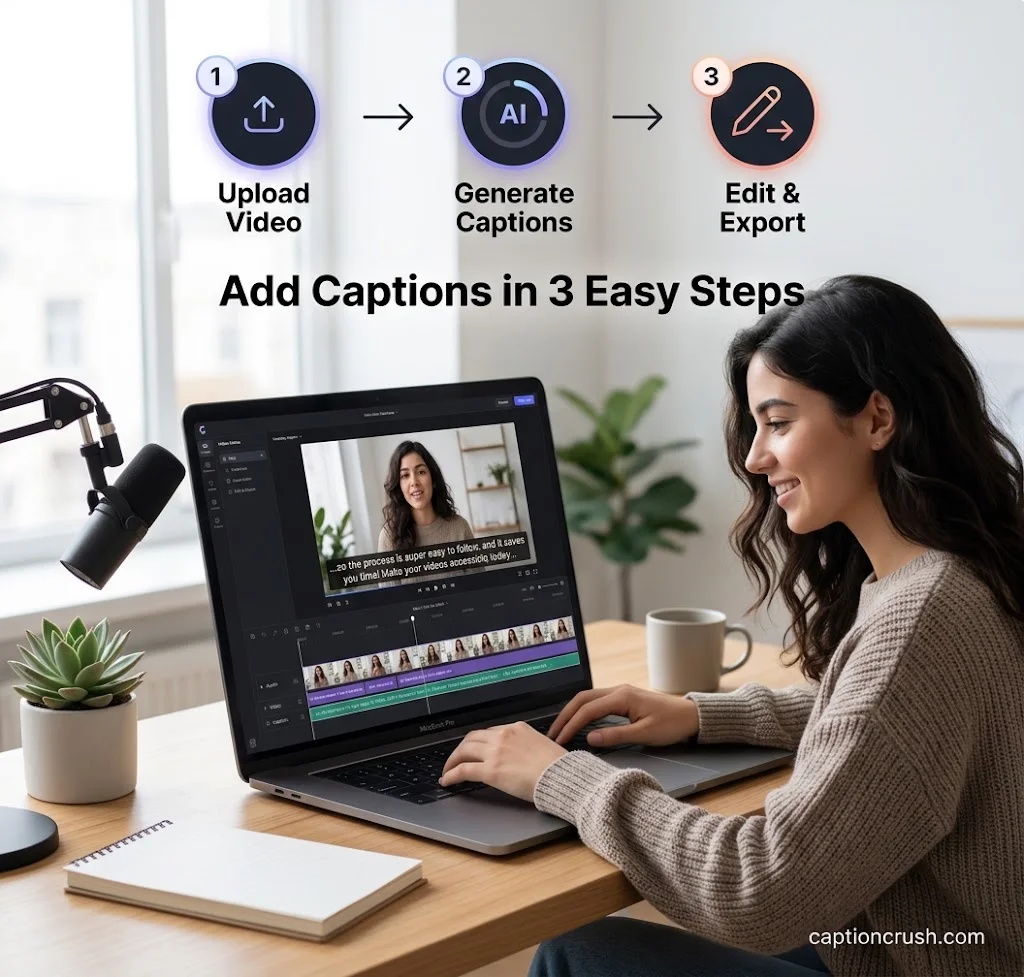
The process is almost the same in every video caption maker. Here is the quick version.
Step one: upload your video. Most tools take MP4, MOV, AVI, and WebM files. You can also paste a YouTube link or import from Google Drive or Dropbox.
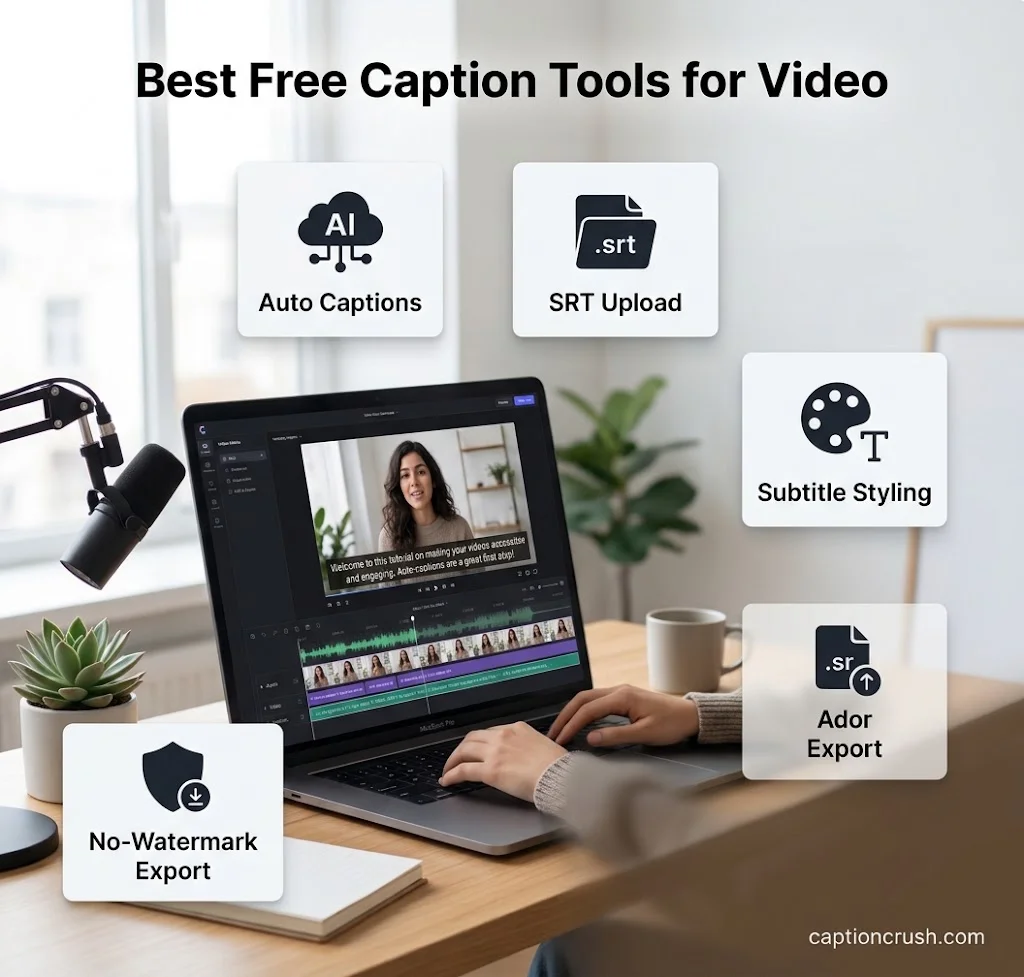
Step two: generate or upload the captions. You have three options:
- Click auto captions and let AI transcribe the speech.
- Upload an SRT or VTT file you already have.
- Type the captions by hand and set the timing yourself.
Step three: edit, style, and export. Fix names, brand terms, and slang first. AI still stumbles on these. Then pick a font, size, color, and position. Export with burned-in captions, or download the caption file.
Why do my captions look out of sync? The timing in your file may be off. Most editors let you shift the start and end time of each line. You can also regenerate the captions to reset the timing.
Why won’t my SRT file upload? Check three things:
- Timestamps should look like 00:00:00,000.
- Numbering should run in order.
- Each caption block needs the right line breaks and spacing.
Captions aren’t just useful for videos—they can make photos more engaging, expressive, and personal too. If you’re looking for creative ways to personalize your images, explore these caption ideas for iPhone photos for cute, simple, and eye-catching inspiration.
Best Tools to Add Captions to Video Online, Free and Without a Watermark
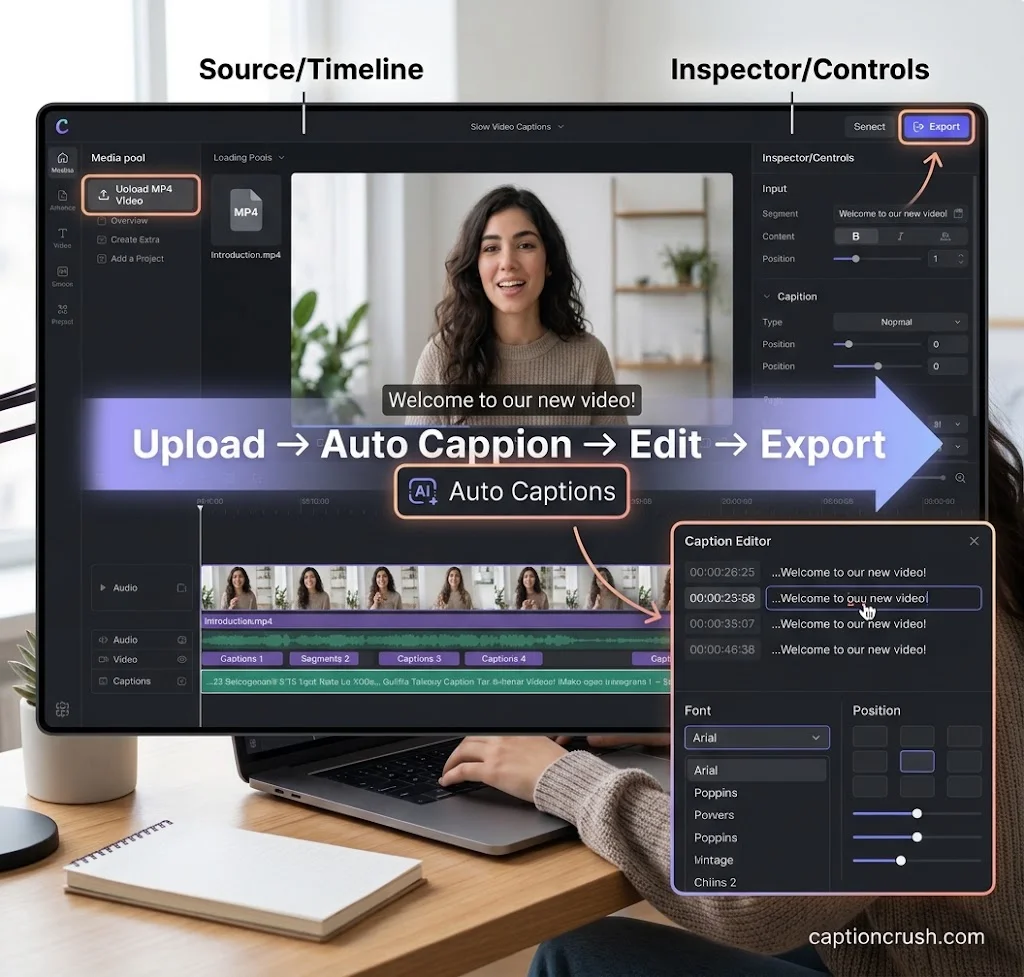
The best online caption generator depends on your budget, device, and platform. Free plans change often, so check each tool’s current limits before you commit.
| Tool | Free plan notes | Languages | Best for |
|---|---|---|---|
| VEED | Free to start. SRT, VTT, TXT downloads need a paid plan | 125+ | Styled, animated captions |
| Clideo | Free uploads up to 500 MB. Adds hardcoded captions | SRT or manual | Quick one-off jobs |
| Canva | Free subtitle generator. Brand fonts need Pro | 100+ | Designers and brands |
| Kapwing | Free tier adds a watermark to exports | 100+ | Editing the transcript |
| HappyScribe | Free trial with limited minutes | 150+ | Many formats and translation |
| AutoCaption | Free tier, no card needed | 100+ | TikTok, Reels, and Shorts |
| Substital | Free Chrome extension | SRT upload | Netflix, YouTube, Disney+ |
What is the best app to add captions to videos on mobile? Start with the apps you already use. Instagram, TikTok, and YouTube all have built-in auto captions. VEED and Clideo also have iPhone apps.
How do you add captions without a watermark? Try these routes:
- Use the built-in captions on Instagram, TikTok, or YouTube.
- Upload an SRT file straight to the platform. You don’t need to export a video at all.
- Read the free plan terms. Some tools stamp a watermark on every export.
- Type the captions by hand. It’s slower, but it costs nothing.
Is there a free way to add captions to video on a computer? Yes. Canva, VEED, and AutoCaption all let you start free. Test a short clip first and check the export before you pay.
Open Captions vs Closed Captions: Which Should You Use?
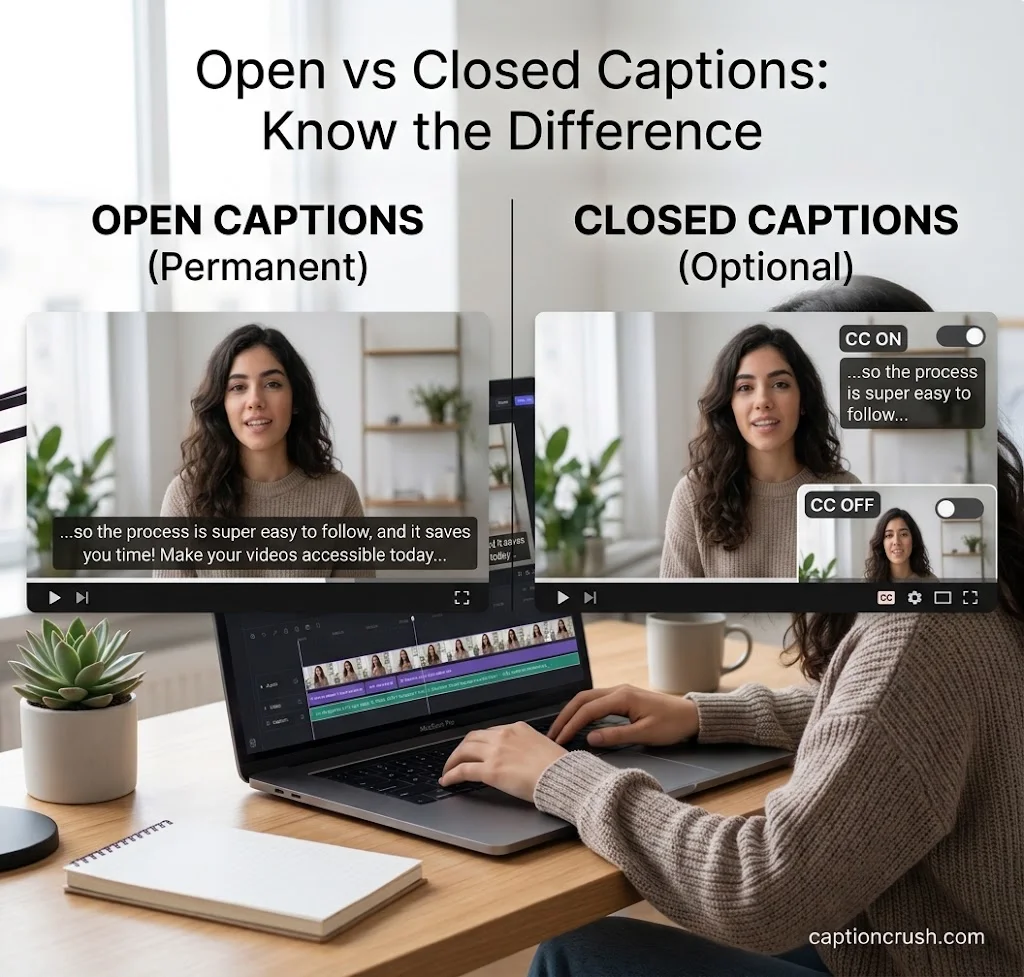
Both help people follow along, but viewers control them differently. The right choice depends on where you post.
What is the difference between open captions and closed captions? Open captions are hardcoded into the video. Everyone sees them, and no one can turn them off. Closed captions (CC) are a separate file. Viewers can switch them on or off.
- Use open captions for TikTok, Instagram Reels, and YouTube Shorts. They always show on mobile.
- Use closed captions for YouTube, Facebook, and LinkedIn. Viewers get control, and the file can be edited later.
Captions vs subtitles vs SDH:
- Subtitles show the spoken words.
- Captions add sound cues like [music] or [laughter].
- SDH is subtitles written for deaf and hard-of-hearing viewers.
Do you have to add captions in the USA? It depends on who you are. The ADA requires “effective communication” from public bodies and businesses that serve the public. It does not name online video captions outright, according to this legal summary. The CVAA requires captions online for video that first aired on TV with captions. Online-only video isn’t covered by that law.
The DOJ’s ADA Title II rule is stricter. It sets WCAG 2.1 AA deadlines for public entities, starting in April 2026. If you work for a school, college, or government office, check the current dates on the DOJ site.
Caption Best Practices to Boost Video Reach and Engagement
Good captions are accurate, short, and easy to read. Small habits make a big difference.
Readability rules:
- Keep each line under 42 characters. Use two lines at most, as Clideo advises.
- Use high-contrast colors and a clean font.
- Keep text away from the screen edges on vertical video.
- Add sound descriptions like [applause] for full captions.
Why do captions boost reach? People often watch on mute. A 2019 Verizon Media and Publicis Media study of 5,600+ US consumers found:
- 69% watch video with the sound off in public.
- 80% are more likely to watch a whole video that has captions.
- 37% say captions make them turn the sound on.
- Most people who use captions are not hearing impaired.
Captions may help search and watch time too. In a Discovery Digital Networks test, captioned YouTube videos got 13.48% more views in their first two weeks. A Facebook ad study found a 12% rise in view time. These figures come from older studies, so treat them as a guide.
Two more ways to use captions:
- Translate them. Tools like HappyScribe and Kapwing support 100+ languages. This helps you reach Spanish-speaking viewers in the US.
- Reuse the transcript. Turn the caption file into a blog post, a video description, or social posts. Text also helps search engines understand your video.
FAQs
How can I automatically add captions to my video for free?
Upload your clip to a free tool like Canva, VEED, or AutoCaption. Click the auto captions button. Review the text, then export. Free plans may limit minutes, quality, or add a watermark.
What is the best app to add captions to videos on mobile?
The built-in captions on Instagram, TikTok, and YouTube are the easiest free start. For more style control, try the VEED or Clideo iPhone apps.
Is there a way to add captions to a video without a watermark?
Yes. Use a platform’s built-in captions, or upload an SRT file to the platform. You can also pick a free plan that doesn’t stamp exports. Always check the export before you post.
What is the difference between open captions and closed captions (CC)?
Open captions are burned into the video and always show. Closed captions are a separate file that viewers can turn on or off.
How do auto-generated captions help improve video reach and engagement?
They let people watch on mute. They keep viewers watching longer and help deaf and hard-of-hearing viewers. They also create text that search engines can read.
Conclusion
Adding captions is quick: upload, auto-generate, edit, export. Pick open captions for short social clips and closed captions for longer videos. Caption your next video today and check the timing before you post.

Timmy Abroy is a content creator and the voice behind CaptionCrush, where he shares practical tips on social media captions, creator growth, and content strategy. When he’s not writing, he’s testing what actually gets people to stop scrolling.