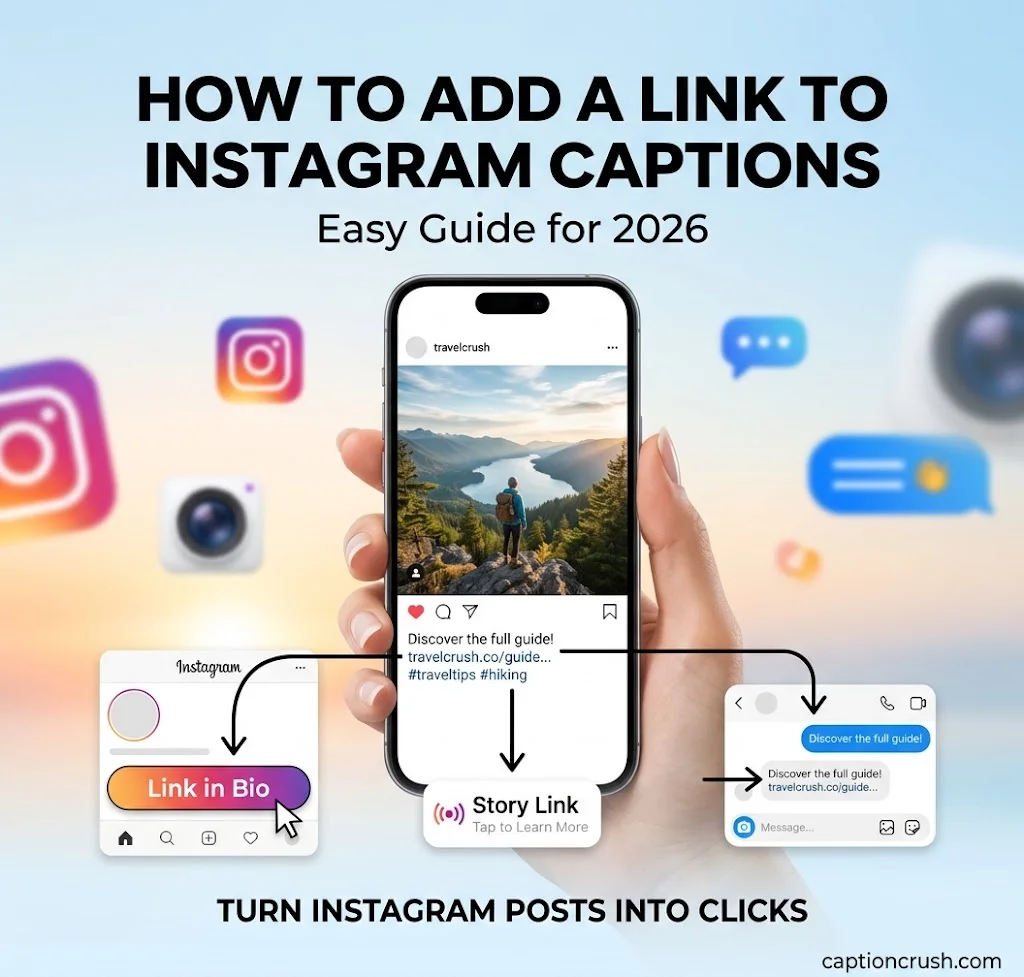
Most links in Instagram captions show up as plain text. People can’t tap them. But you can still share clickable links with your bio link, a Story link sticker, or a comment-to-DM reply.
This guide is for creators, small businesses, marketers, and coaches in the USA. You’ll learn what works in 2026, how to copy links, how to get more clicks, and how to fix common problems.
Table of Contents
Can You Add a Link to Instagram Captions in 2026?
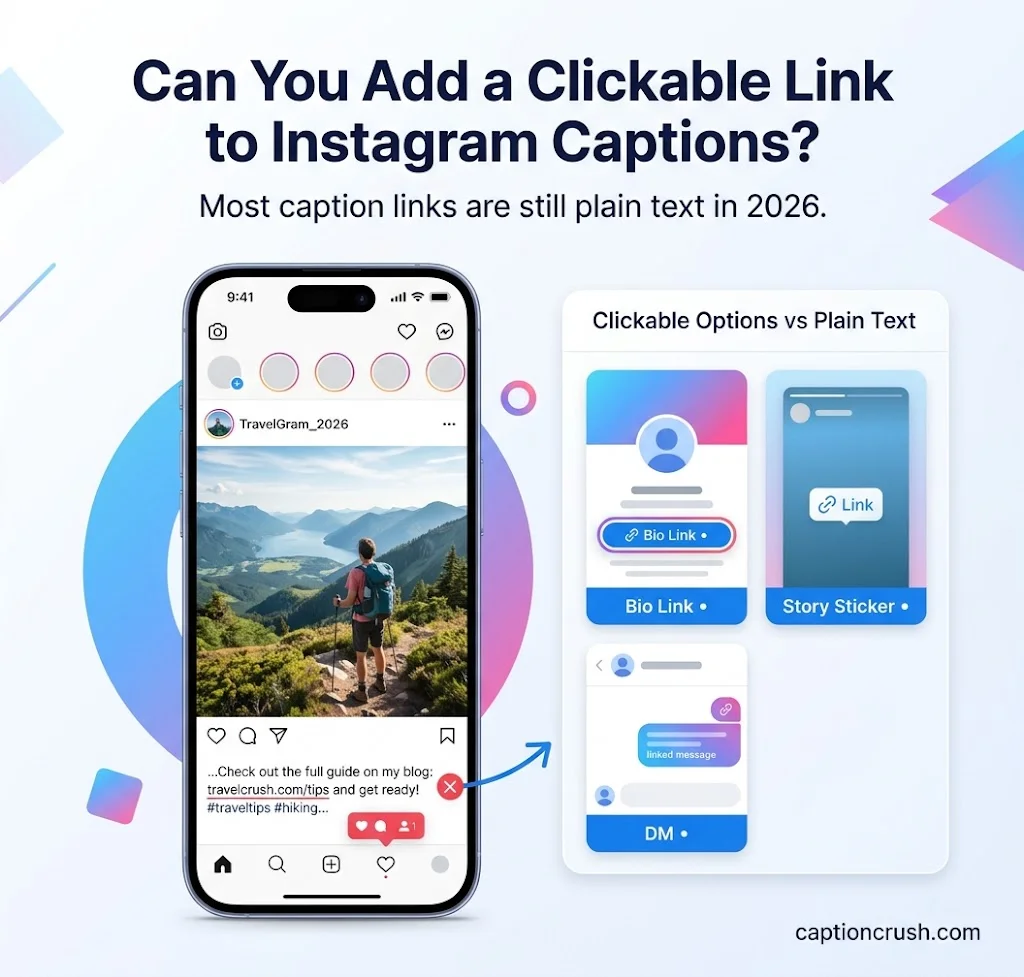
Short answer: not for most accounts. Instagram turns caption URLs into plain text, so viewers must copy and paste them by hand.
Can you add a clickable link to an Instagram caption? Not on a regular account. In March 2026, Meta confirmed a test of clickable caption links for some Meta Verified subscribers. One tester saw a cap of 10 links a month. Meta did not say how many people have access, and it’s not a universal rollout.
Why does Instagram block caption links? The platform wants people to stay in the app. Paperbell notes that longer time in the app means more ad views.
Here is what is clickable today:
- Bio link on your profile
- Link sticker in Stories
- Direct messages (DMs)
- Broadcast Channel messages
- Boosted posts and ads with a call-to-action button
- Meta Verified linked Reels, on business plans
Plans, caps, and names change often. Check the Instagram app and Meta’s help page before you build a campaign around any paid perk.
If you’re creating Instagram content, adding the right captions to your videos can make your posts more engaging and easier to understand. For a quick step-by-step process, learn how to add captions to videos and make your Instagram content more accessible.
How to Add a Clickable Link to Instagram Posts: 6 Best Ways
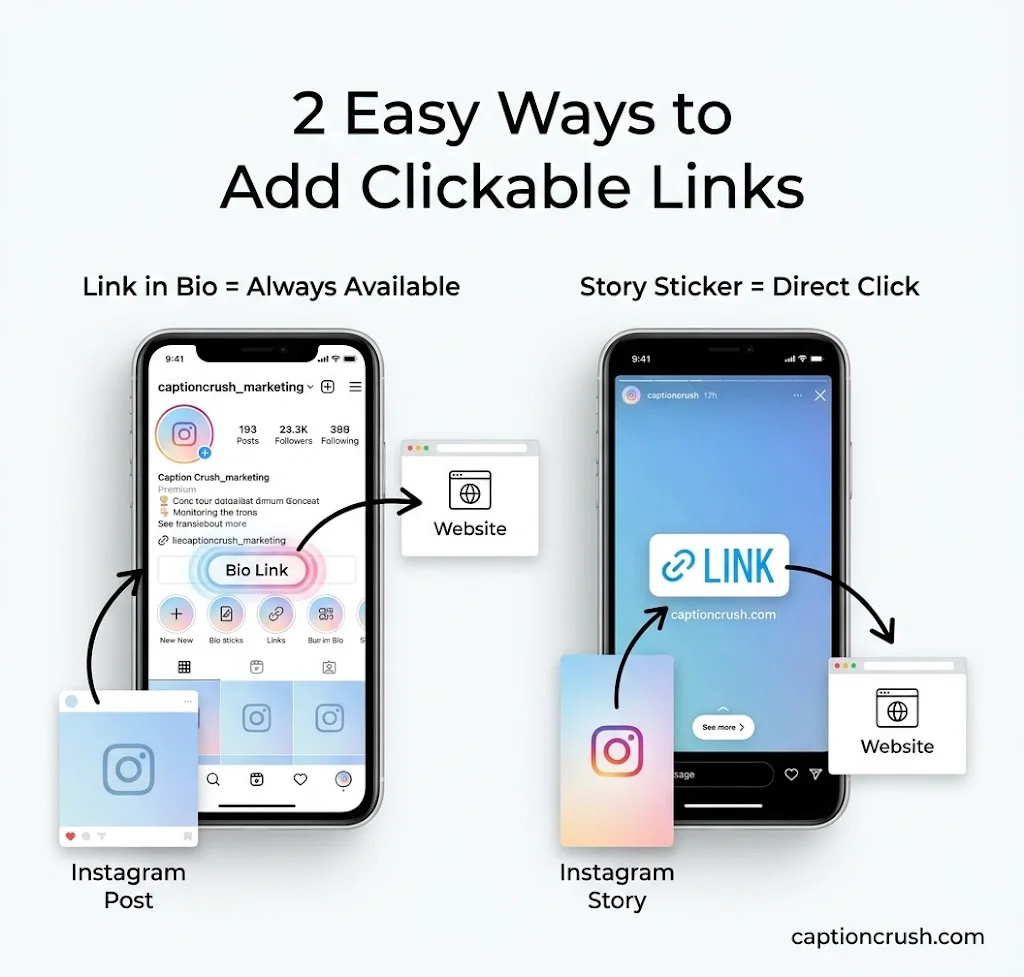
You can’t tap a caption link, but you have solid options. Pick the one that fits your account type and budget.
| Method | Who can use it | Cost | Main limit |
|---|---|---|---|
| Link in bio | Any account | Free | One place at a time |
| Story link sticker | Any account | Free | Disappears after 24 hours |
| Comment-to-DM | Any account | Free or tool fee | Needs a keyword and a reply |
| Boost or ads | Business or Creator | Ad spend | Button shows only while the campaign runs |
| Instagram Shopping tags | Eligible shops | Free to set up | Not available in every region |
| Meta Verified links | Paid subscribers | From $14.99 a month | Capped, and still rolling out |
Link in bio. Your bio link is the one clickable spot that’s always on your profile. You can add up to 5 links. Need more? Use a link-in-bio tool like Linktree or Later. Later lets you attach up to five links to each post on its Growth and Advanced plans.
Story link sticker. Any account can use it now. The old 10K follower rule is gone. Tap the sticker icon, pick Link, paste the URL, and write a short label like “Shop now.”
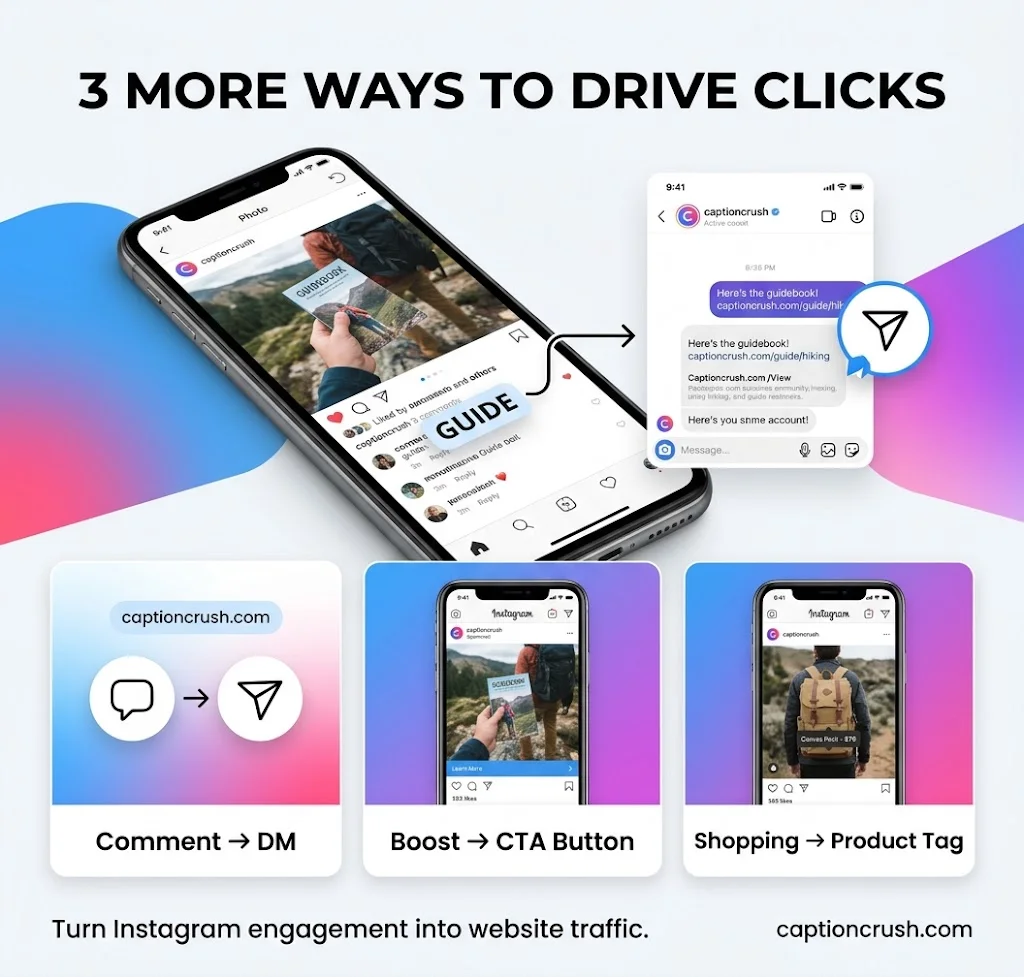
Comment-to-DM. Ask viewers to comment a keyword, such as “GUIDE.” A tool like ManyChat or Inrō sends the link by DM. Inrō reports a 90% open rate, 60% reply rate, and 28% click-through rate across its own automations. Treat that as a vendor figure, not a universal benchmark.
Boost. Boosting a post or Reel adds a clickable button. It disappears when the campaign ends.
Instagram Shopping. Tag products in posts and Stories. The shop runs through Facebook’s Commerce Manager. It isn’t open in every country.
Meta Verified. Inrō reports that business plans at Plus ($44.99 a month) and above allow linked Reels. The caps run from 2 to 6 linked Reels a month by tier. Creator plans don’t include it.
Two lower-cost extras help too. Broadcast Channels let you send clickable links to opted-in followers. And a pinned comment can hold your CTA and URL, even though the link isn’t tappable.
How to Write and Copy Links in Instagram Captions
A plain-text link can still help, if the caption is clear. Keep the URL short and tell people exactly where to go.
How do I add a link to my Instagram caption?
- Open the post and tap the caption box.
- Paste a short URL, or type your CTA.
- Tap Share. To fix it later, tap the three dots and choose Edit.
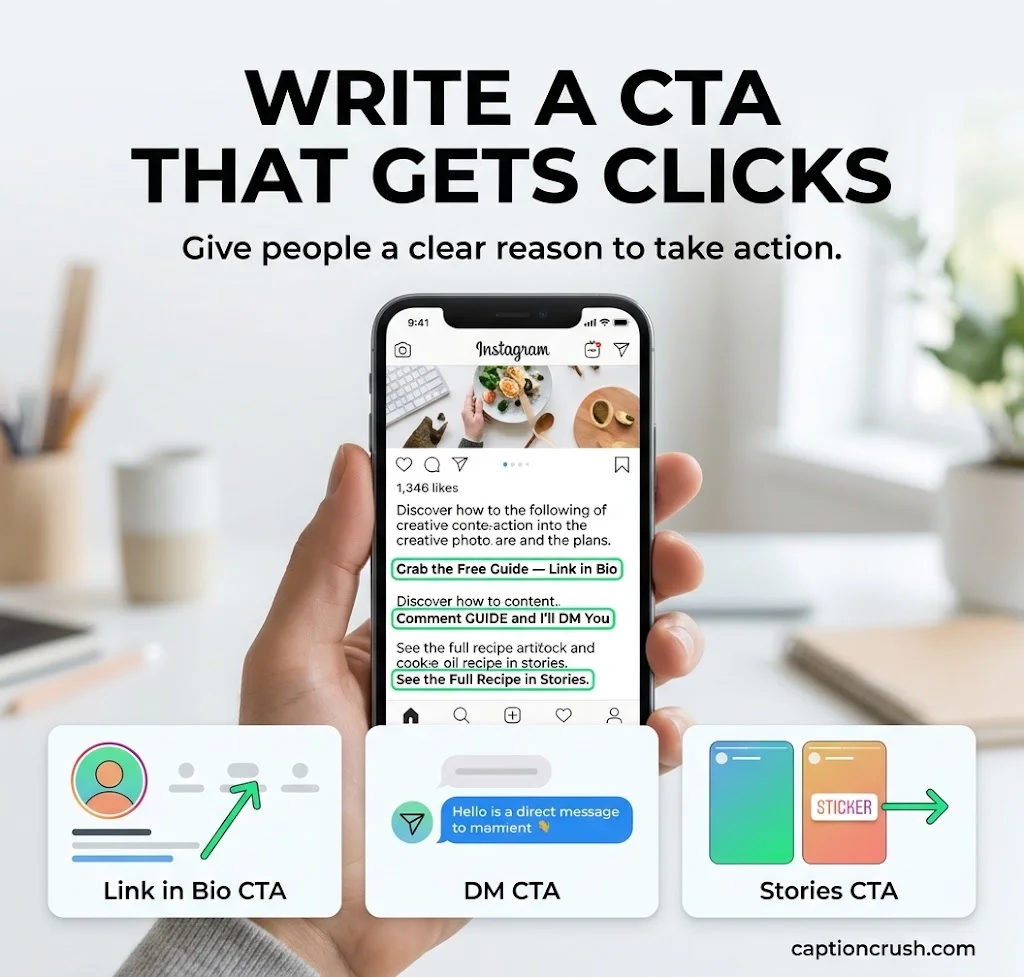
Write a CTA that gives a reason to click. “Link in bio” alone is weak. Try one of these:
- “Grab the free guide. It’s in the link in my bio.”
- “Book your free call through the link in my bio.”
- “Comment GUIDE and I’ll DM you the link.”
- “See the full recipe. Tap the link in my Stories.”
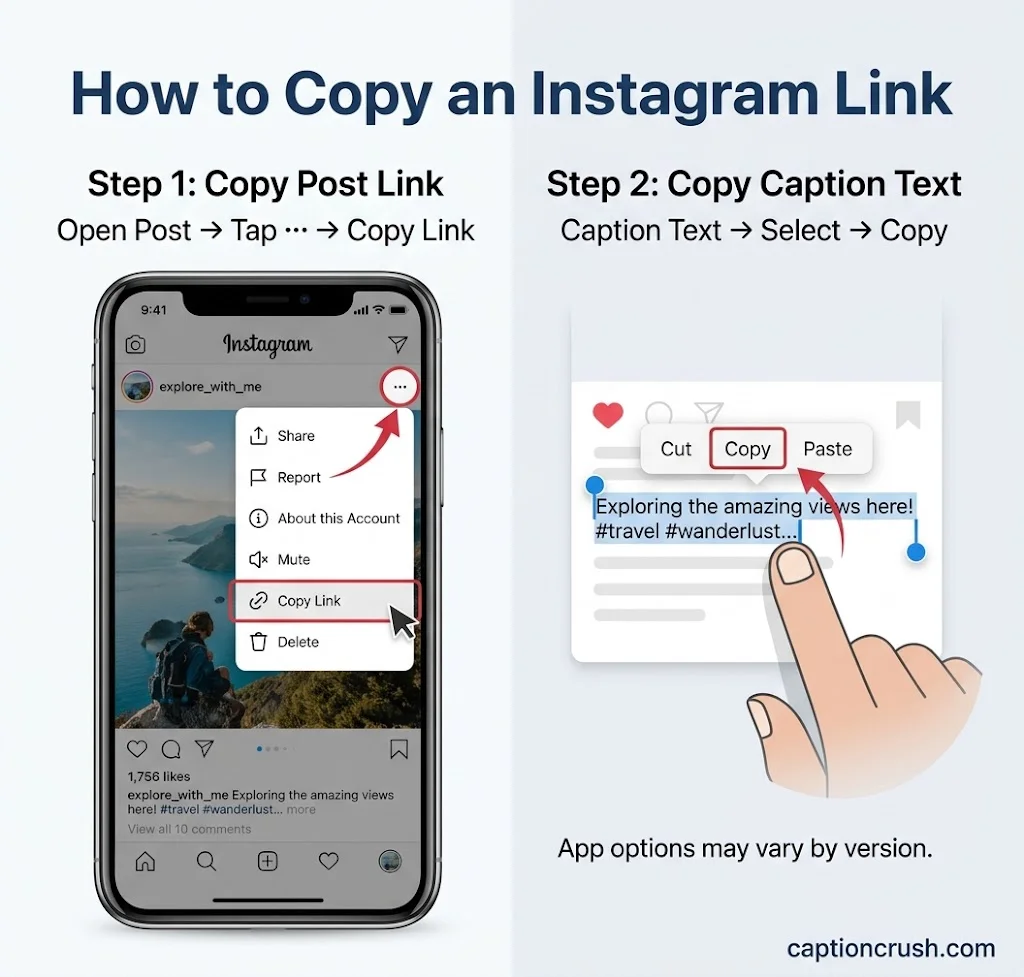
How do I copy a link from an Instagram caption? Instagram’s copy options vary by app version. Press and hold the caption text and look for Copy. If that fails, open the post in a web browser on a computer. Then highlight the text and copy it.
How do I copy the link to the post itself? Tap the three dots (or the share icon) and choose Copy link.
Do short links and plain URLs help SEO? Possibly. Paperbell notes that Google now crawls Instagram posts, so a plain URL can still add context. A link shortener also gives you cleaner text and click tracking, as Spotlight points out.
Want clickable caption links on your website? Spotlight is a WordPress plugin. It embeds your Instagram feed and turns caption URLs into working links on your site. It needs a Business or Creator account.
Tips to Get More Clicks From Instagram Links
Clicks come from clear offers and a bio link that matches your latest post. Small habits add up.
- Track every link. Add UTM parameters and check results in Google Analytics. Instagram’s own insights won’t show full link data.
- Match your bio link to your newest post. If you post about a launch, point the bio link to the launch page.
- Be specific. “Book your free 30-minute call” beats “click here.”
- Use Stories to bridge the gap. Post a Reel, then add a Story with a link sticker.
- Pin your best post. You can pin up to 3 posts, as Paperbell explains. Use one for your top CTA.
- Skip spammy stickers. Unrelated links in Stories make followers think you’re spamming them.
Link option missing? Run this quick check:
- Update the Instagram app.
- Check your account type (personal, Creator, or Business).
- Confirm your plan. Meta Verified perks depend on tier and account type.
- Check your region. Some features, like Shopping, aren’t open everywhere.
- Log out and back in. Then try again.
FAQs
Do links show up in Instagram captions?
Yes, but as plain text. Viewers can read the URL but can’t tap it. A small test of clickable caption links is running for some Meta Verified subscribers.
How do I post a clickable link?
Use your bio link, a Story link sticker, a DM, or a boosted post. For Reels, Meta Verified business plans offer linked Reels with monthly caps. Always check your own app for what you can use.
How do I get a link from an Instagram caption?
Press and hold the caption text and tap Copy, if your app version allows it. Otherwise, open the post in a web browser and copy the text. To get the link to the post, tap the three dots and choose Copy link.
Why can’t I add a link to my Instagram post?
Instagram doesn’t make caption URLs clickable for most accounts. Only a small group of Meta Verified subscribers can test the feature. Use your bio link, Stories, or DMs instead.
Conclusion
In 2026, a link in an Instagram caption is still plain text for most accounts, so the best move is to use what’s clickable: your bio link, Story link stickers, DMs, boosts, and comment-to-DM replies. Write a clear CTA, track your clicks with UTM links, and keep your bio link matched to your latest post. Meta is testing paid caption links, so check the app now and then for changes.

Timmy Abroy is a content creator and the voice behind CaptionCrush, where he shares practical tips on social media captions, creator growth, and content strategy. When he’s not writing, he’s testing what actually gets people to stop scrolling.