Most people use the words subtitles and closed captions like they mean the same thing. They don’t.
This guide breaks down subtitles vs closed captions in plain language, so you know exactly which one your video needs, why it matters, and how each one actually works.
Table of Contents
Subtitles vs Closed Captions: What’s the Real Difference
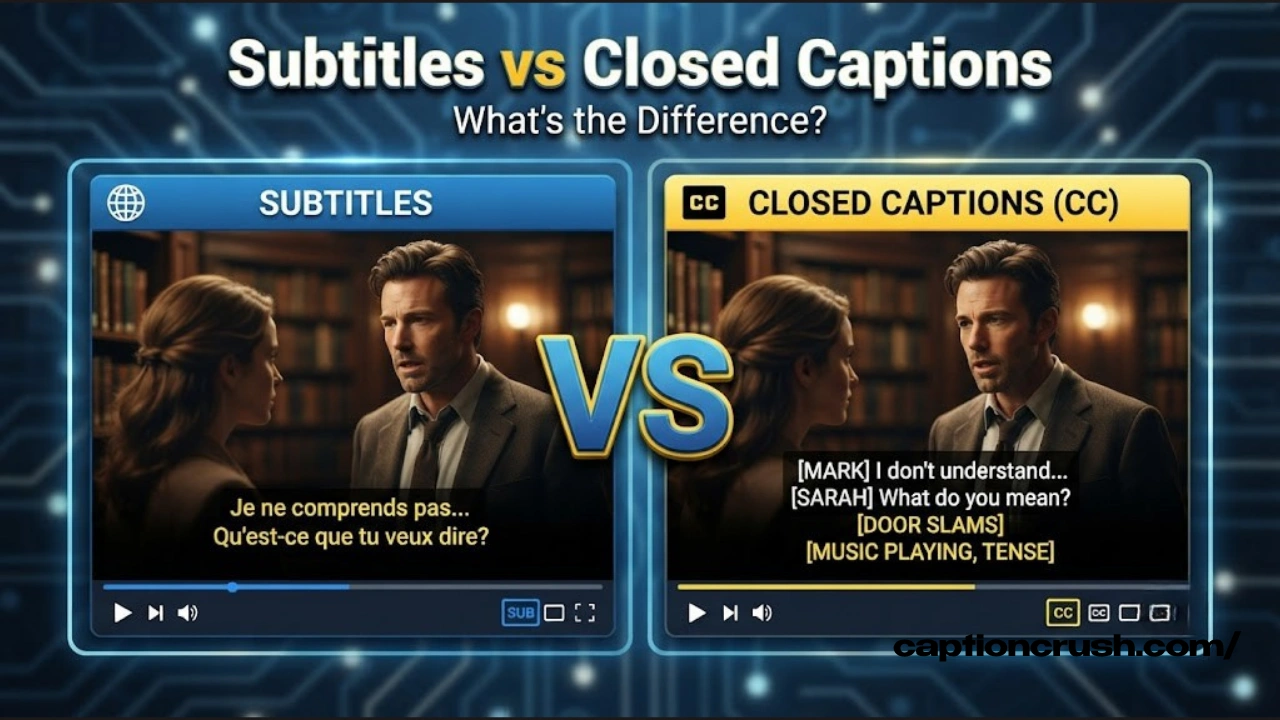
Here’s the short version before we go deeper: subtitles translate spoken dialogue into another language, while closed captions transcribe everything you’d hear, including sound effects and speaker changes, for viewers who can’t hear the audio at all.
Subtitles assume you can hear the video just fine. You just don’t understand the language being spoken. So subtitles only show translated dialogue, timed to match the speech. That’s why a French film shown in the U.S. gets English subtitles, not English captions.
Closed captions, often shortened to CC, assume you can’t hear the audio at all, whether that’s due to hearing loss or a muted phone on the subway. Captions include the dialogue in the original language, plus sound effects like “[door slams],” music cues, and labels showing who’s speaking. This makes closed captioning a true accessibility tool, not just a translation aid.
The word “closed” in closed captions refers to how the text works. According to the, closed captions stay hidden until a viewer turns them on, usually by pressing a CC button on a remote or streaming app. That’s different from open captions, which are burned directly into the video and can’t be switched off.
Closed Captions vs Open Captions vs Subtitles Compared
These three terms get mixed up constantly, so here’s a clear side-by-side breakdown.
| Feature | Subtitles | Closed Captions | Open Captions |
|---|---|---|---|
| Assumes viewer can hear audio | Yes | No | No |
| Includes sound effects & speaker labels | No | Yes | Yes |
| Can be turned off | Yes | Yes | No, always visible |
| Main purpose | Translation | Accessibility | Accessibility (forced) |
| Typical use case | Foreign films, global streaming | TV, YouTube, live broadcasts | Social media, silent-autoplay clips |
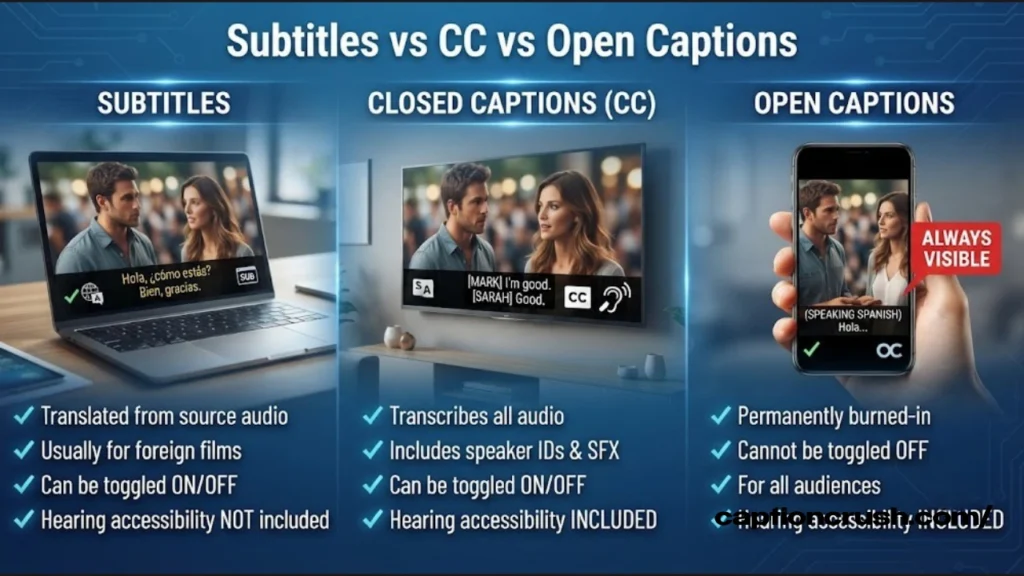
There’s also a fourth term worth knowing: SDH, short for Subtitles for the Deaf and Hard of Hearing. SDH files combine the best of both worlds. They’re formatted like subtitles but include the extra sound information found in closed captions, such as background noise and speaker identification. Streaming platforms like Netflix often use SDH files instead of true closed captions, which is part of why the two terms get blurred so often online.
Open captions solve one specific problem: they guarantee the text shows up no matter what device or app someone uses, since there’s no decoder or toggle involved. That’s why so many Instagram Reels and TikTok clips use open, burned-in captions. If a viewer scrolls past with the sound off, the text is already there.
Must Visit: 100 Best 18th Birthday Captions for Instagram (2026 Edition)
When to Use Subtitles vs Closed Captions
Choosing between subtitles and closed captions depends entirely on your audience and your platform.
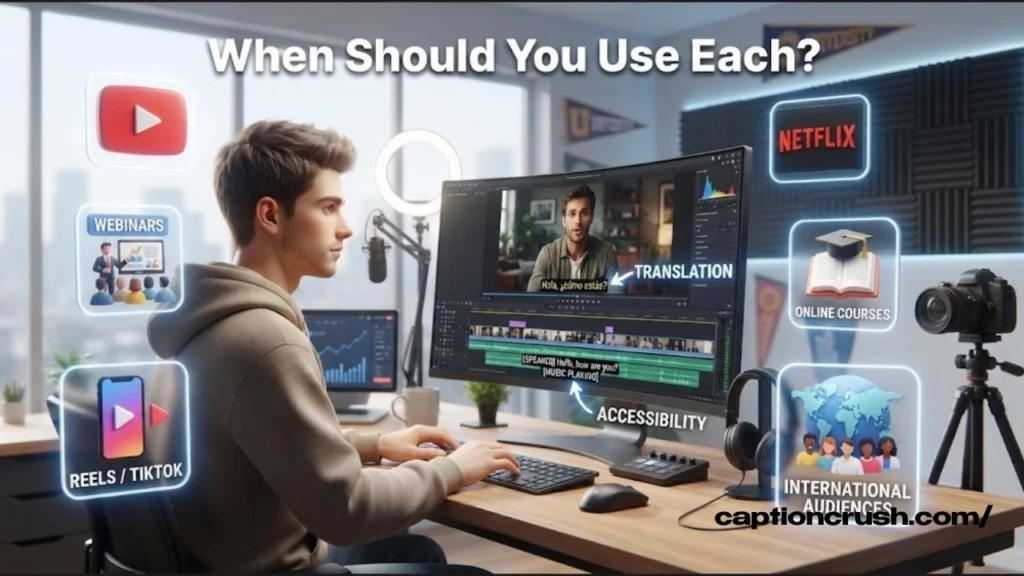
If your content is in English and your audience speaks English, closed captions are the right call. They make your video accessible to Deaf and hard-of-hearing viewers and keep you compliant with U.S. accessibility law. Under the Americans with Disabilities Act, public-facing video content, including educational and broadcast media, generally needs to offer captions to avoid discrimination against viewers with hearing loss.
If you’re releasing content for an international audience, subtitles are the better tool. A product demo, documentary, or film going out in multiple countries needs translated subtitles so non-English speakers can follow along.
For live events, webinars, and news broadcasts, closed captions are standard, since live captioning uses real-time transcription rather than pre-translated text. For short-form social content on platforms like TikTok or Instagram, open captions tend to work best, since they display automatically without requiring a viewer to tap anything.
Why Captions and Subtitles Matter Today
Captions and subtitles used to be a niche feature. Now they’re mainstream, and the data backs that up clearly.
An estimated 85% of Facebook videos are watched with the sound off, according to. That single stat explains why so many brands now caption every video by default, regardless of whether a Deaf viewer is watching.
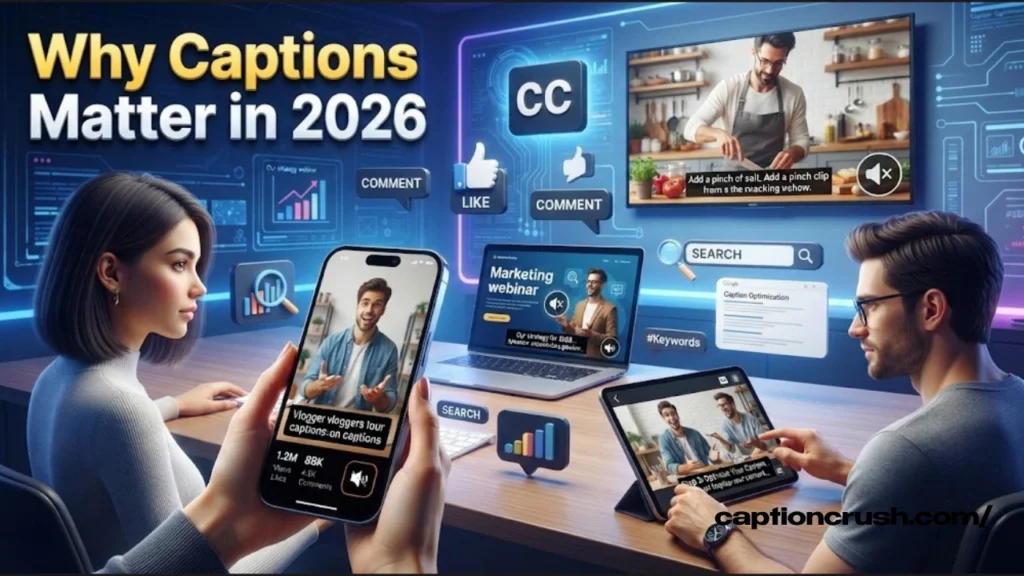
Younger audiences are driving this shift even further. A found that 70% of Gen Z viewers use subtitles or captions frequently, compared to 53% of millennials. Most said they turn captions on to improve comprehension when audio is unclear, not because they can’t hear at all.
Beyond accessibility, captions and subtitles also boost searchability. Search engines can’t watch a video, but they can read a caption file. Adding accurate captions gives platforms like YouTube and Google text to index, which can improve discoverability for your content.
How CC and Subtitles Are Created
Captions and subtitles don’t appear by magic. They’re built using a few established methods, each suited to different situations.
Respeaking is common for live captioning. A trained captioner listens to the broadcast and repeats it into voice-recognition software, which converts speech to text in near real time. This is how live news and sports broadcasts get captioned as they air.
Stenography uses a specialized keyboard, similar to what court reporters use, to produce shorthand text that software then converts into readable captions. Like respeaking, it’s built for speed and live accuracy.
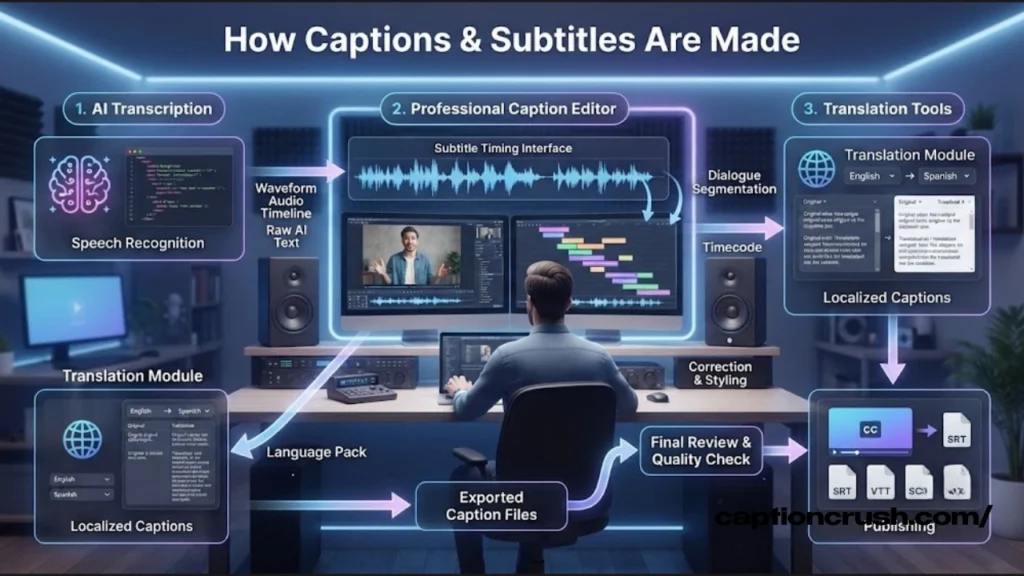
For pre-recorded content, typed transcription is standard. A captioner or AI transcription tool creates the full text first, then times each line to match the audio precisely. This method is slower but tends to be more accurate for scripted content like films and prerecorded lectures.
Subtitles follow a similar timing process, but with an added translation step. A translator converts the original transcript into the target language, then a timing specialist syncs the translated text to match the pacing of the original dialogue.
FAQs
Why does Gen Z like closed captions?
Gen Z uses captions mainly to improve comprehension, not because of hearing loss. Many watch content on phones in public spaces, multitask across screens.
Why are subtitles called CC?
Technically, subtitles and CC aren’t the same thing. CC stands for closed captioning, a term that dates back to the first regularly scheduled closed-captioned broadcasts in 1980.
What is the difference between English subtitles and closed captioning?
English subtitles assume the viewer can hear the audio but display translated or transcribed dialogue only.
Is open captioning the same as subtitles?
No. Open captions are burned permanently into the video and can’t be turned off, while subtitles can typically be toggled on or off by the viewer.
Which is better, subtitles or closed captions?
Neither is universally better. Subtitles are the right choice for translating content into another language.
What is a subtitle example?
A basic subtitle example is a line of translated dialogue timed to match speech, such as displaying “Where are you going?”
Conclusion
Subtitles and closed captions solve two different problems. Once you know which one your audience actually needs, choosing between them stops being confusing and starts being simple.

Timmy Abroy is a content creator and the voice behind CaptionCrush, where he shares practical tips on social media captions, creator growth, and content strategy. When he’s not writing, he’s testing what actually gets people to stop scrolling.