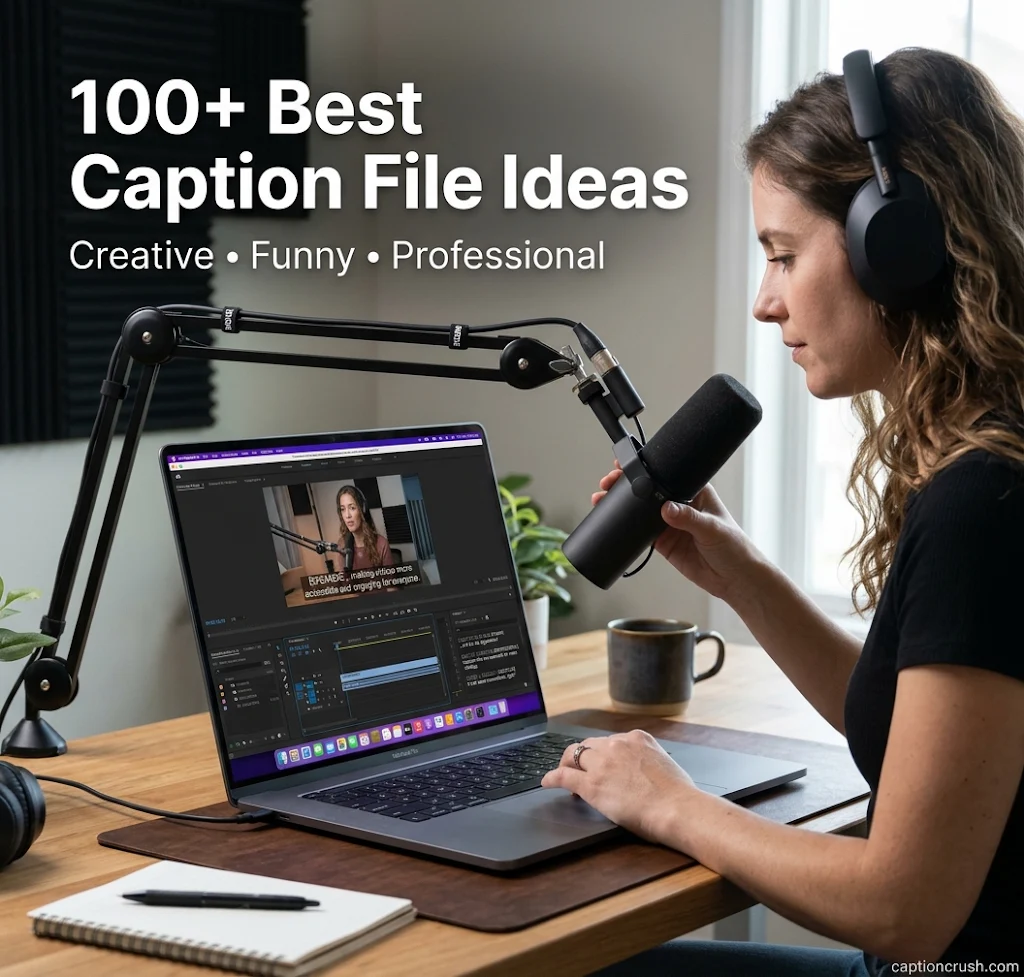
Looking for caption file ideas that people actually enjoy reading? This guide gives you 100 of them, plus the caption file basics you need to use them.
You will see how SRT and VTT files work, which caption file formats each platform accepts, and how to write lines that fit your video.
Table of Contents
Why Caption Files Matter for Video in the USA

Captions are now a normal part of watching video in America. A good caption file helps more people follow, enjoy, and finish your content.
According to a survey by XR Extreme Reach and M8 Labs, 87% of Americans use captions at least sometimes. Nearly half use them often or always. About 59% of 18-to-24-year-olds do the same.
So, who uses captions? Not just people with hearing loss. A Verizon Media and Publicis Media survey of 5,616 US adults found that about 80% of caption users have no hearing problem. It also found that 69% of viewers watch muted video in public places.
Why do people turn captions on? The same XR study lists clearer dialogue, missed details, and better focus on the screen. It also found that 42% of US viewers prefer captions even when the audio is perfect.
There is a legal side too. Some TV-style content online must meet CVAA rules. 3Play Media notes that SMPTE-TT meets FCC caption rules for broadcasters, while basic DFXP often does not.
In short, a clean caption file serves accessibility, engagement, and compliance at once.
If your video or content project also includes a fun seafood moment, the right crab captions for Instagram can add personality to your photos. From crab feasts to beach shots, a catchy caption can make your post even more engaging.
Caption File Formats: SRT, VTT and More Explained
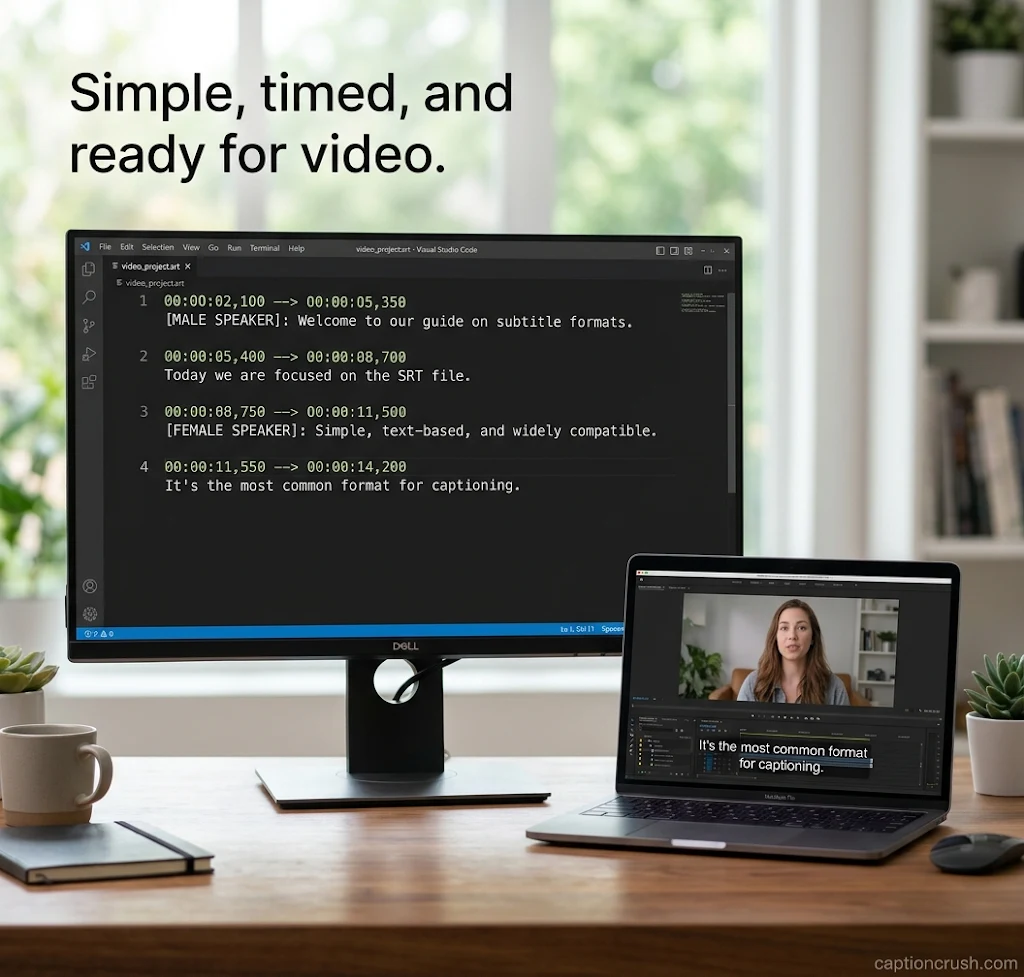
A caption file is a separate text file from your video. It holds the words and the timestamps. Viewers can turn the captions on or off, which makes them closed captions.
What is the difference between captions and subtitles? Captions show speech plus sound cues, like [applause] or [music]. Subtitles mainly translate or repeat the dialogue. An SRT file can carry either one.
How does an SRT file work? SubRip files are plain text with four parts: a counter, a start and end time, the caption text, and a blank line. Times use hours:minutes:seconds,milliseconds. Note the comma before the milliseconds.
1
00:00:00,000 --> 00:00:03,000
Welcome to our channel.

2
00:00:03,500 --> 00:00:06,000
[upbeat music]
SRT is old and simple. Wikipedia says the format dates back to the SubRip program, released in 2000. YouTube added subtitle support in August 2008. Most subtitles online still use it.
What is a VTT file? WebVTT (Web Video Text Tracks) grew out of SRT. It begins with a WEBVTT header, uses a period in the time, and adds styling, positioning, and font control. CU Boulder says VTT gives a more robust experience. YouTube began supporting it in April 2013.
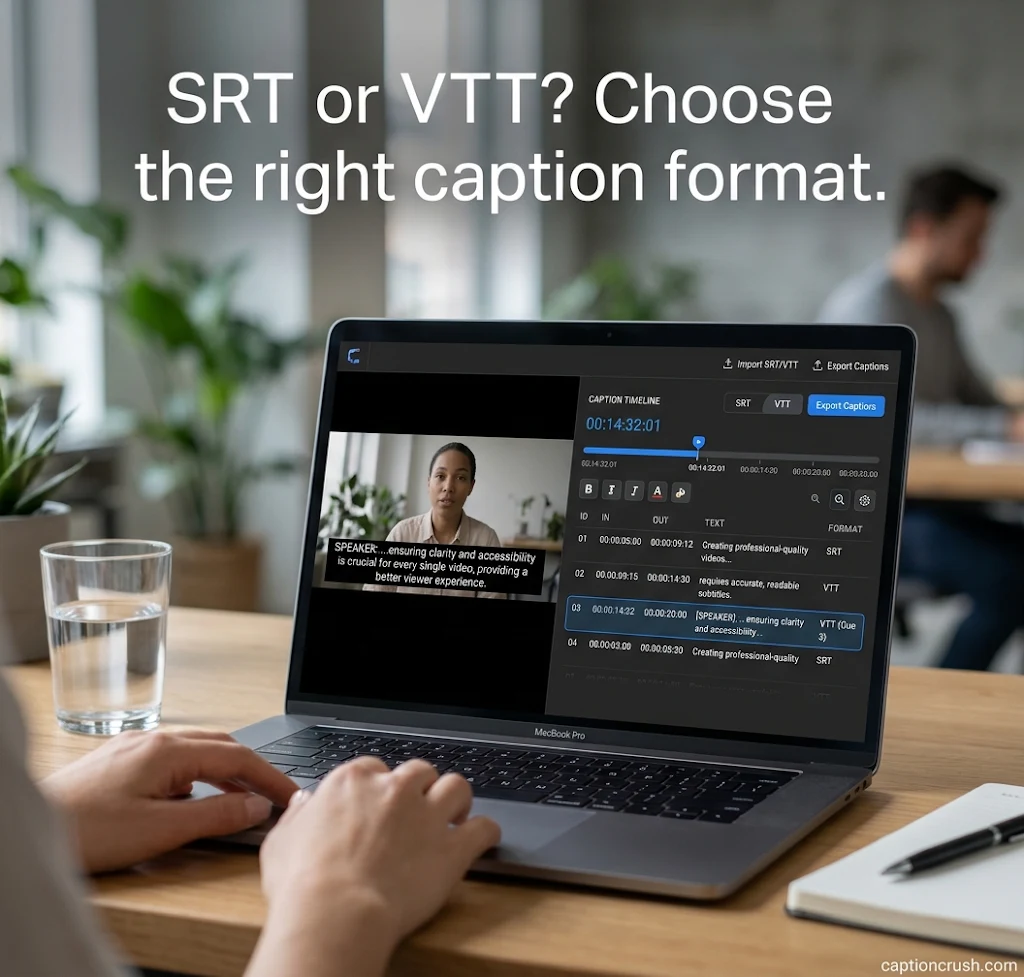
WEBVTT

00:00:00.000 --> 00:00:03.000
Welcome to our channel.
Many other formats exist. SCC (Scenarist Closed Captions) is built on CEA-608 data. MCC adds CEA-708. TTML, DFXP, and IMSC are XML-based. EBU-STL serves European broadcast. SBV is a simple YouTube format. SAMI and RealText are older, legacy types.
So, which caption file format should you use? Closed Caption Creator gives a simple rule. North American broadcast wants SCC or MCC. Europe wants EBU-STL. Streaming platforms want IMSC or TTML. Web players want WebVTT. General video uses SRT.
Here is a quick platform guide:
| Platform | Accepted caption file formats |
|---|---|
| YouTube | SRT, SBV, VTT, TTML, DFXP, SCC, SAMI |
| Vimeo | VTT (preferred), SRT, DFXP/TTML, SCC, SAMI |
| Netflix | SCC and SMPTE-TT (recommended), plus SRT, TTML, VTT and more |
| Amazon Video Direct | SCC, SRT, SMPTE-TT, EBU-TT, DFXP, iTT |
| iTunes | SCC, DFXP, iTT |
| Adobe Premiere Pro | SRT, SCC, MCC, XML, STL |
Sources: YouTube Help and Rev.
A few expert tips:
- Use UTF-8. YouTube only accepts plain UTF-8 files. SRT has no official encoding rule, so parsers have to guess.
- Start simple. YouTube prefers SCC, but SRT or SBV is easier for beginners.
- Keep lines short. Aim for one or two lines per caption.
- Add sound cues. Put them in [brackets].
- Name speakers. Use tags like [Speaker 1] when voices change.
- Convert only when needed. Free tools like CADET and Subtitle Tools can change formats. CU Boulder warns against using them for confidential files.
- Know your options. Burned-in captions (open captions) are part of the picture and cannot be turned off. A Ring Digital survey found 31% of viewers like them.
100+ Best Caption File Ideas for Creative, Funny & Professional Videos
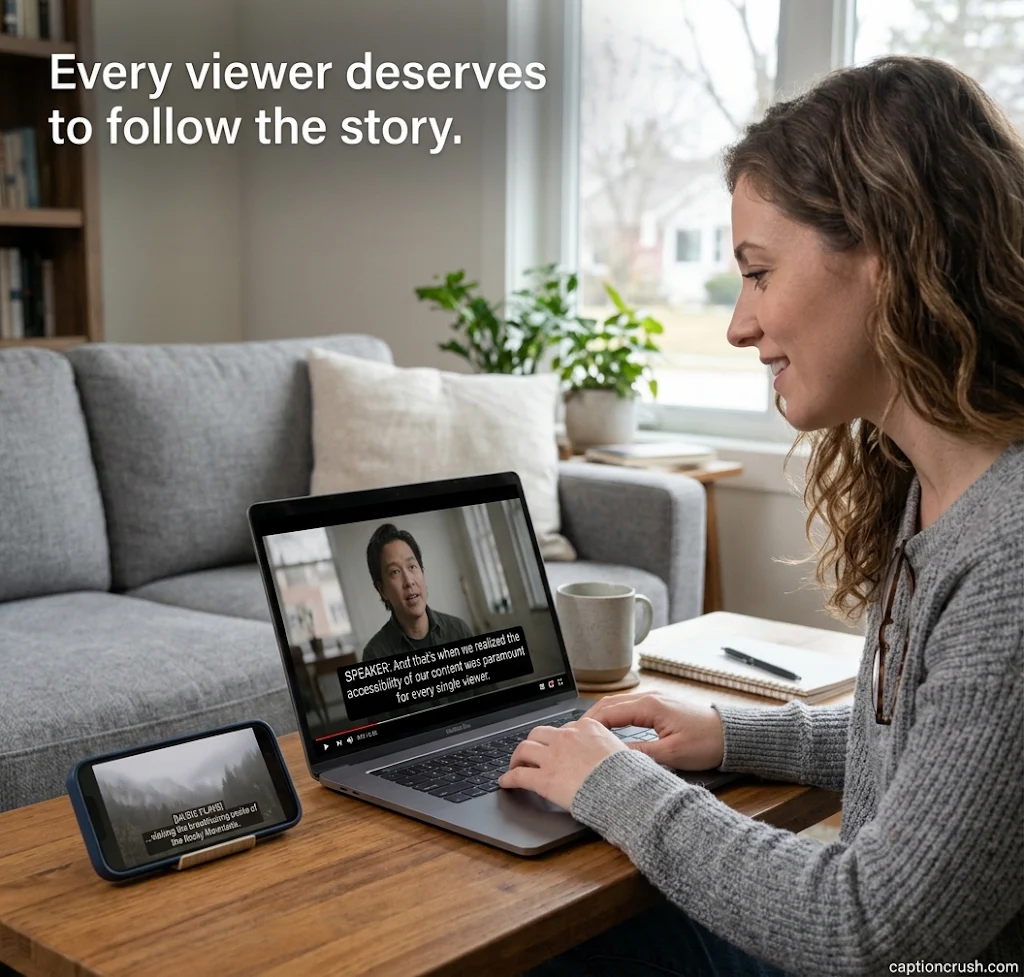
Here are 100 caption ideas for your SRT or VTT file. Swap in your own details and set your own timestamps.
Creative caption file ideas for vlogs, reels, and brand stories:
- Every frame tells a story.
- Press play on something new.
- Words that move with the picture.
- Sound on, or read along. Both work.
- Seen, heard, and now read.
- Turning sound into words, one line at a time.
- Let the story speak, even when the room is silent.
- Small text, big meaning.
- Your video, now open to everyone.
- Watch it your way.
- Where every word finds its place.
- Silence never looked this good.
- Between the lines, the story lives.
- Scene one: the world starts to listen.
- Words on the screen, joy in the heart.
- Hear it with your eyes.
- Lights, camera, captions.
- A story told two ways: sound and text.
- Subtle words, strong scenes.
- The plot thickens, line by line.
- Read the room, then the screen.
- Here is the part you don’t want to miss.
- Every voice deserves a line.
- Quiet moments, clear words.
- Say it loud, show it clear.
- Dialogue, delivered in text.
- Frame by frame, word by word.
- Add words, widen the audience.
- Make every second readable.
- Ready, set, subtitle.
- Your story, in every language.
- Catch every word, even on mute.
- Words that match the moment.
- The final scene, in plain sight.
Funny caption file ideas for memes, TikToks, and casual clips:
- [Dramatic pause] Okay, that was long enough.
- [Awkward silence] We all felt that.
- Yes, I rewound it too.
- [Cat walks across keyboard]
- When the caption is faster than the speaker.
- [Sound of me pretending to know the plan]
- Spoiler alert: the dog did it.
- [Loud coffee sip]
- Captions on, secrets out.
- If you are reading this, you are not on mute. Or you are.
- [Sighs in Monday]
- If you can read this, the timing worked.
- Plot twist: the file saved this time.
- [Intense typing noises]
- We fixed it in post. Sort of.
- Mumbling, now in high definition.
- [Whispers] This is where I forgot my line.
- Nobody asked, but here is the transcript.
- [Microphone feedback]
- That is not what he said. Check the timestamp.
- The sync is off. The jokes are not.
- Blink and you missed it. Good thing there is text.
- [Phone buzzes] Not again.
- Sorry, the cat edited this one.
- [Chef’s kiss]
- This line is brought to you by too much coffee.
- When the subtitle knows more than the actor.
- [Laughs in .srt]
- Pause here for your emotional breakdown.
- Fun fact: you just read that out loud.
- [Dramatic zoom] It was only a typo.
- Yes, there is a bonus joke in the file.
- Please hold, the punchline is loading.
Professional caption file ideas for webinars, training, and business videos:
- Welcome to today’s session.
- Thank you for joining us.
- Let’s go over the agenda.
- Here is a quick overview.
- Key takeaway: clarity builds trust.
- Please see the next slide.
- [Speaker 1] Good morning, everyone.
- [Speaker 2] Thank you for the introduction.
- Today we will cover three main topics.
- This step takes about five minutes.
- Let’s review the results.
- Our goal is simple: make content accessible.
- [Applause]
- Questions are welcome at the end.
- The data shows steady growth.
- We value clear communication.
- Let’s walk through the process.
- Here is how it works.
- Please download the resource below.
- This video includes closed captions.
- Captions are available in English and Spanish.
- Accessibility is part of our standard.
- Let’s move on to the next section.
- [Soft music]
- Follow the steps on screen.
- This training supports accessibility goals.
- For support, contact our team.
- Now let’s discuss best practices.
- Let’s summarize the main points.
- Thank you for watching.
- Subscribe for more updates.
- Visit our website for details.
- End of session.
FAQs
What are caption files?
Caption files are separate text files that hold the words spoken in a video. They also store time codes that show when each line appears. Some add position and style info. You upload them with your video to create closed captions.
What are SRT and VTT files?
SRT stands for SubRip Subtitle. It is a plain text file with a number, timestamps, and caption text. VTT stands for Web Video Text Tracks, also called WebVTT. It works like SRT but adds font, color, and placement control.
Does YouTube accept SRT files?
Yes. YouTube accepts SRT files, along with SBV, VTT, TTML, SCC, and other formats. The file must be plain UTF-8 text. YouTube prefers SCC, but SRT is the easiest place to start.
Is an SRT file a subtitle file?
Yes. An SRT file is a subtitle file. It is plain text and works for both subtitles and captions. It lists the text in order, with start and end times for each line.
Conclusion
A clear caption file helps your video reach more viewers on more platforms. Pick the right format, keep lines short, and match the tone to your audience. Use these 100 caption ideas as a starting point, then make them your own.

Timmy Abroy is a content creator and the voice behind CaptionCrush, where he shares practical tips on social media captions, creator growth, and content strategy. When he’s not writing, he’s testing what actually gets people to stop scrolling.